Antara Genting Homestay Check-In Guide: Self Check-In Steps, Photos & Common Issues
No front desk, no rush — here's exactly how self check-in works at Antara Genting Homestay, step by step.
Staying at Antara Genting Homestay for the first time and not sure how check-in works? Unlike a hotel, there's no front desk or receptionist waiting for you — NaiBnB uses a self check-in system, which means you can arrive whenever suits you, without rushing to make a fixed check-in time.
Here's exactly how it works, step by step.
Note: Antara Genting has several homestay operators in the building, so check-in processes can differ depending on who you book with. This guide covers NaiBnB's specific self check-in process.
Step 1: Receive Your Check-In Details Before Arrival
NaiBnB will email you your check-in details, including your unit number, locker passcode, and unit passcode, before 2 days ahead of your check-in date. Keep this email saved on your phone (or take a screenshot) — you'll need to show it when you arrive.
Check your email (including spam/junk folder) for the message sent 2 days before your check-in date.
Step 2: Park Head to Your Assigned Block
Antara Genting has multiple blocks, so head to the specific block assigned to your unit (follow signage to find assigned block). This will be
stated in your check-in email. If you're driving yourself, you can self-park at Antara Mall parking, then take the lift up to upstairs and find your assigned block.
—
see the full parking guide here
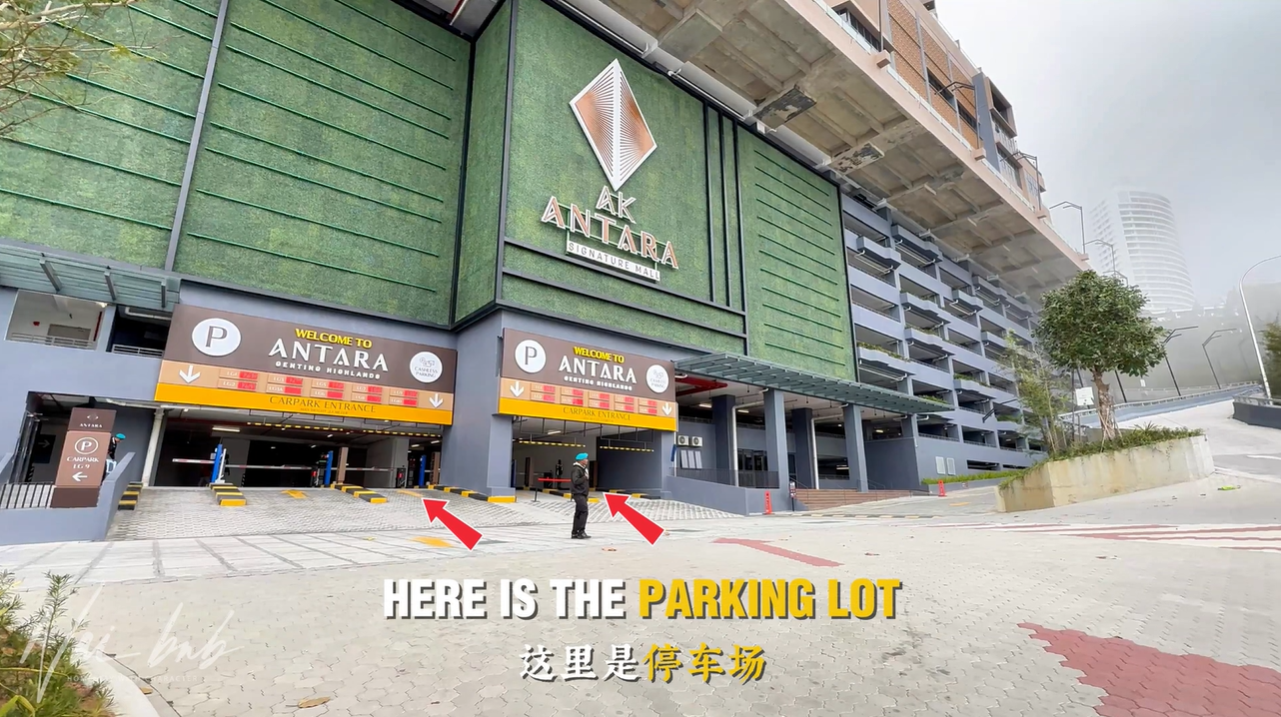
Step 3: Collect Your Keys and Access Card from the Locker Room
Once you arrive at your assigned block, show your booking confirmation to the guard on duty. The guard will then open the locker room for you, where you'll collect your unit keys and lift access card.
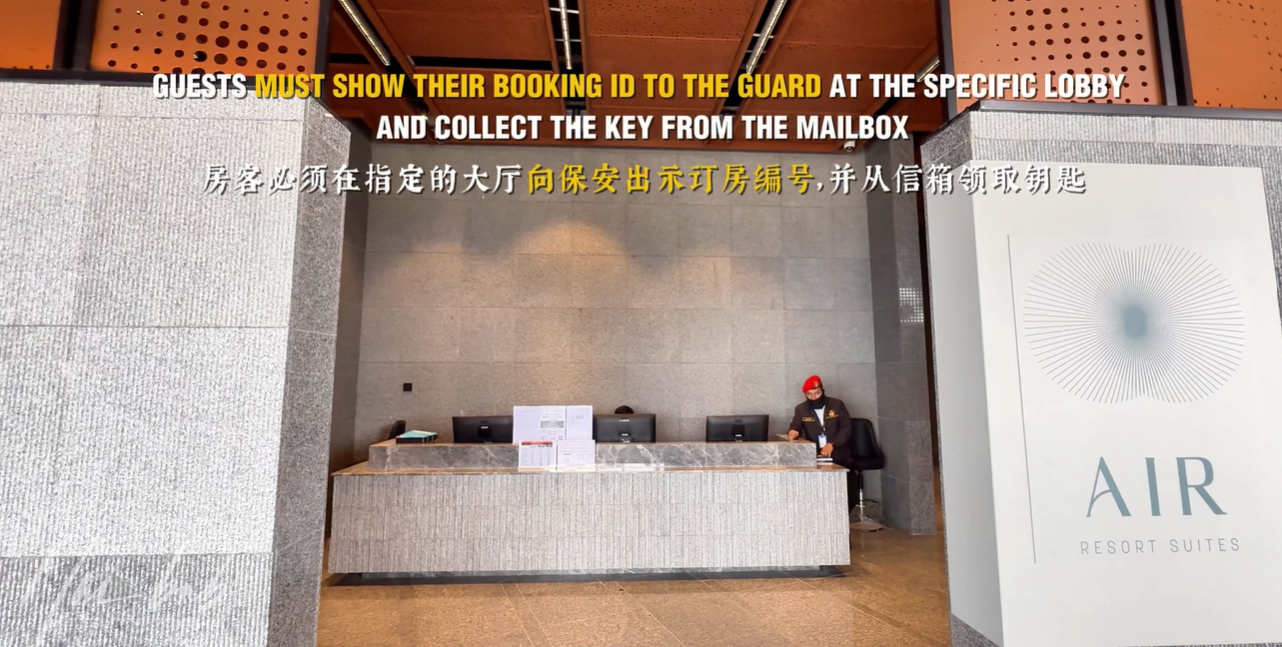
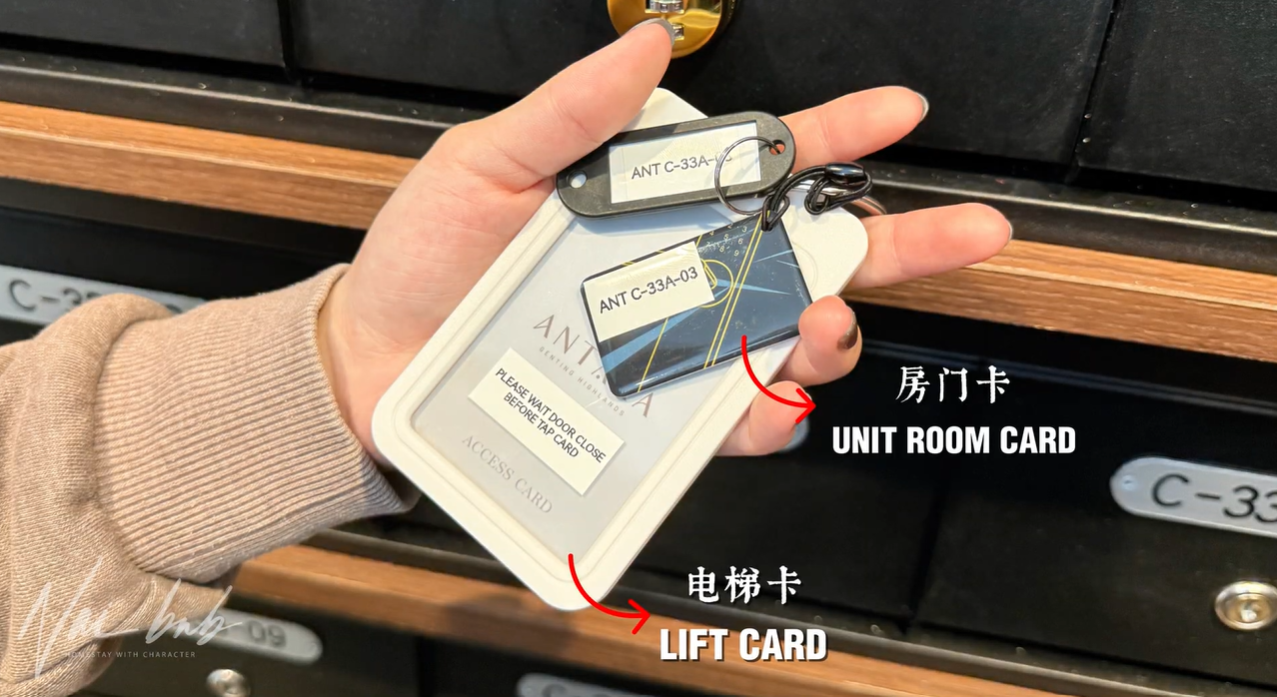
Step 4: Access the Lift
Take the lift access card you just collected and head to the lift lobby. Here's the part guests often get wrong: wait for the lift doors to fully close first, then scan your access card to activate your floor. Scanning too early (before the doors close) won't register, so be patient and scan only once the doors have shut.
Step 5: Head to Your Unit and Settle In
Once the lift takes you up, head to your unit using the keys you collected. If anything is missing or not working once you're inside, contact NaiBnB via WhatsApp and the team will assist.
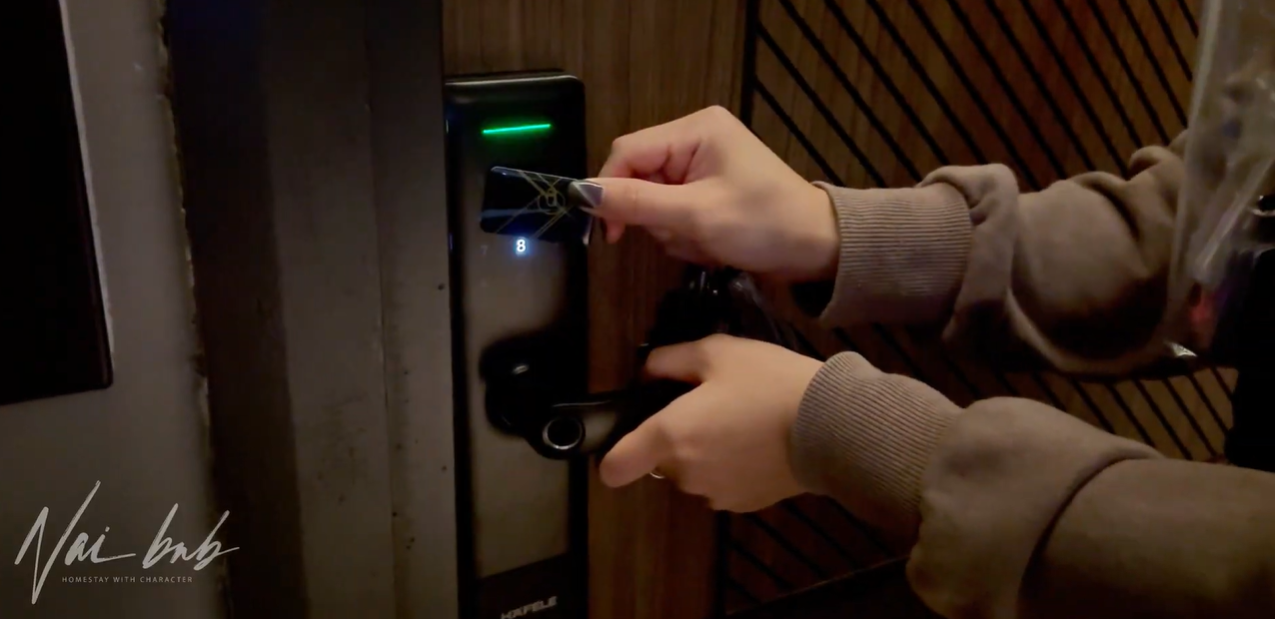
— Watch the full check-in guide video here (Click It)
Common Check-In Issues (And How to Solve Them)
- "My lift card isn't scanning" — make sure the lift doors are fully closed before scanning. Scanning while the doors are still open or closing won't register, and this is the most common reason guests get stuck at this step.
- "I don't have my booking confirmation email" — check your email (including spam/junk folder) for the message sent 2 days before check-in. If you still can't find it, contact NaiBnB via WhatsApp before you arrive so the team can resend it.
- "I'm not sure which block to go to" — your assigned block is stated in your check-in email. If you're unsure, show the guard your booking confirmation and they can help direct you.
- "The guard isn't around" — wait a few minutes, as the guard may be attending to another guest. If there's a delay, contact NaiBnB via WhatsApp for assistance.
Tips for a Smooth Check-In
- Save your booking confirmation email offline (screenshot it) in case you have no signal on arrival
- Double-check your assigned block before heading up — Antara Genting has multiple blocks
- Remember: wait for the lift doors to close before scanning your access card
- Contact NaiBnB via WhatsApp if you run into any issues during check-in
NaiBnB Homestay @ Antara Genting — What to Expect
NaiBnB manages a range of unit types to suit different group sizes:
Unit Types:
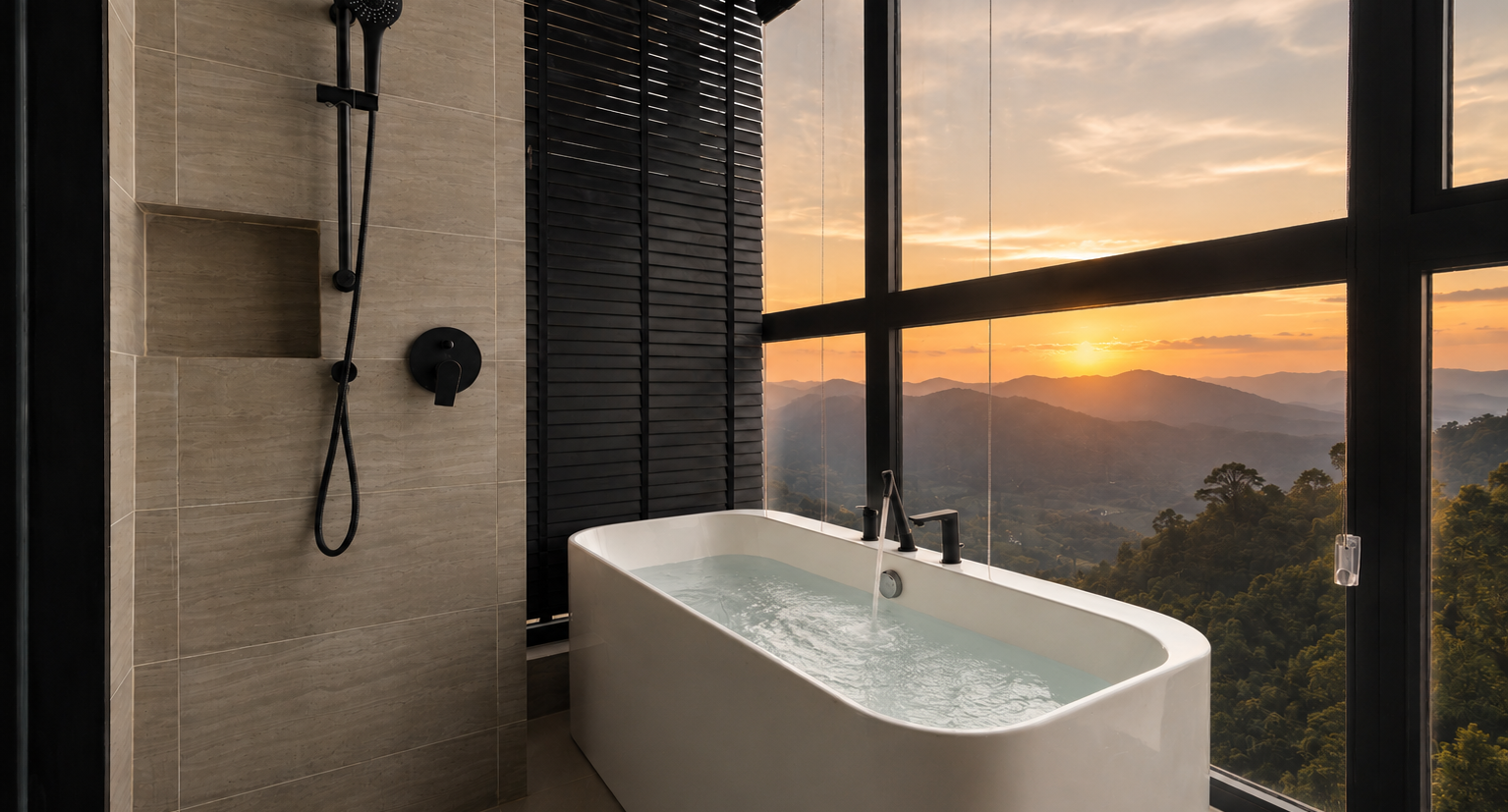
- 1 Bedroom Bathtub Suite (Fit 1-2pax) — great for solo or a pair who want more space
- 2 Bedroom Bathtub Suite (Fit 2-4pax) — perfect for families or a group of friends
- 3 Bedroom Jacuzzi Suite (Fit 3-6pax) — for bigger groups who want to stay together under one roof
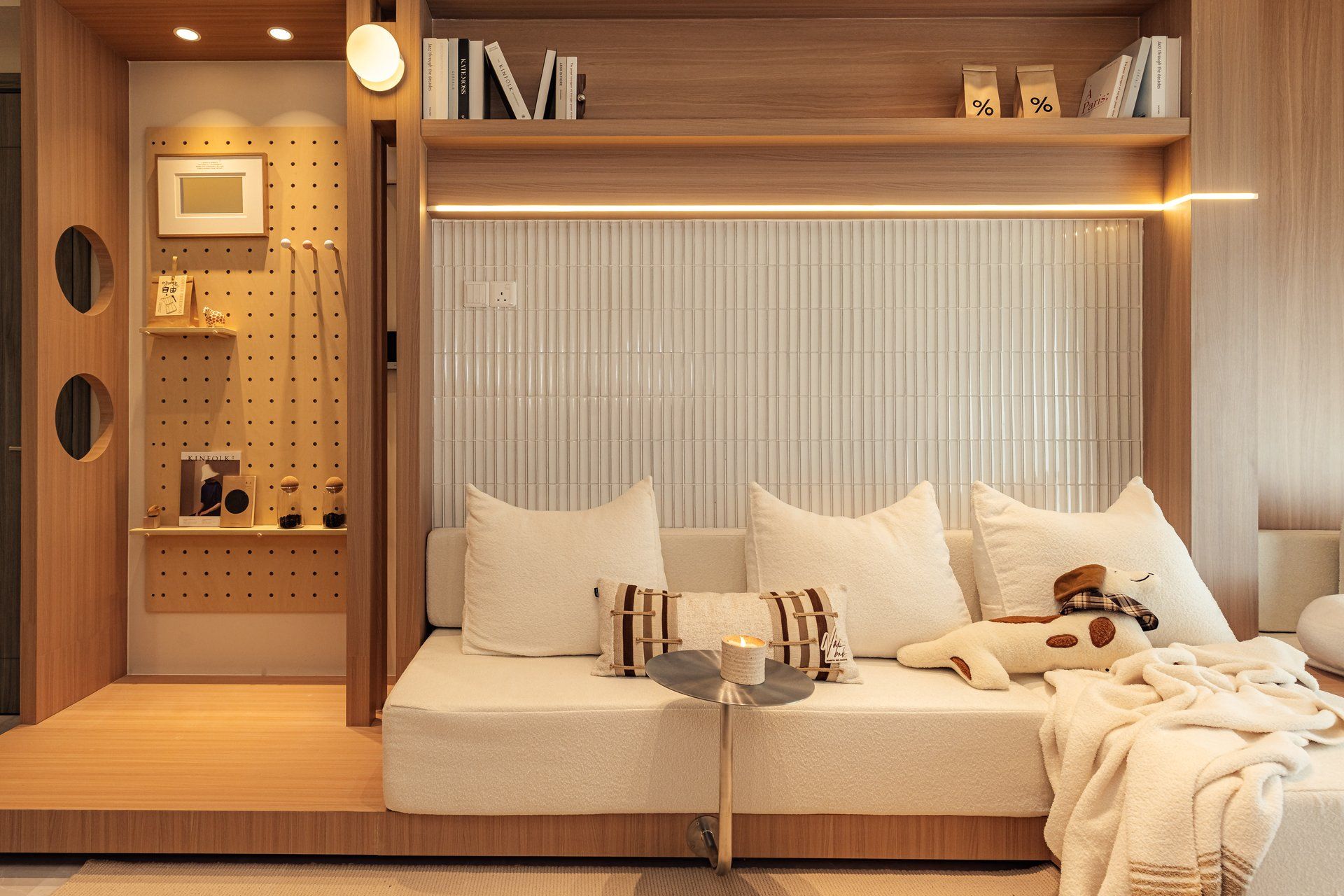
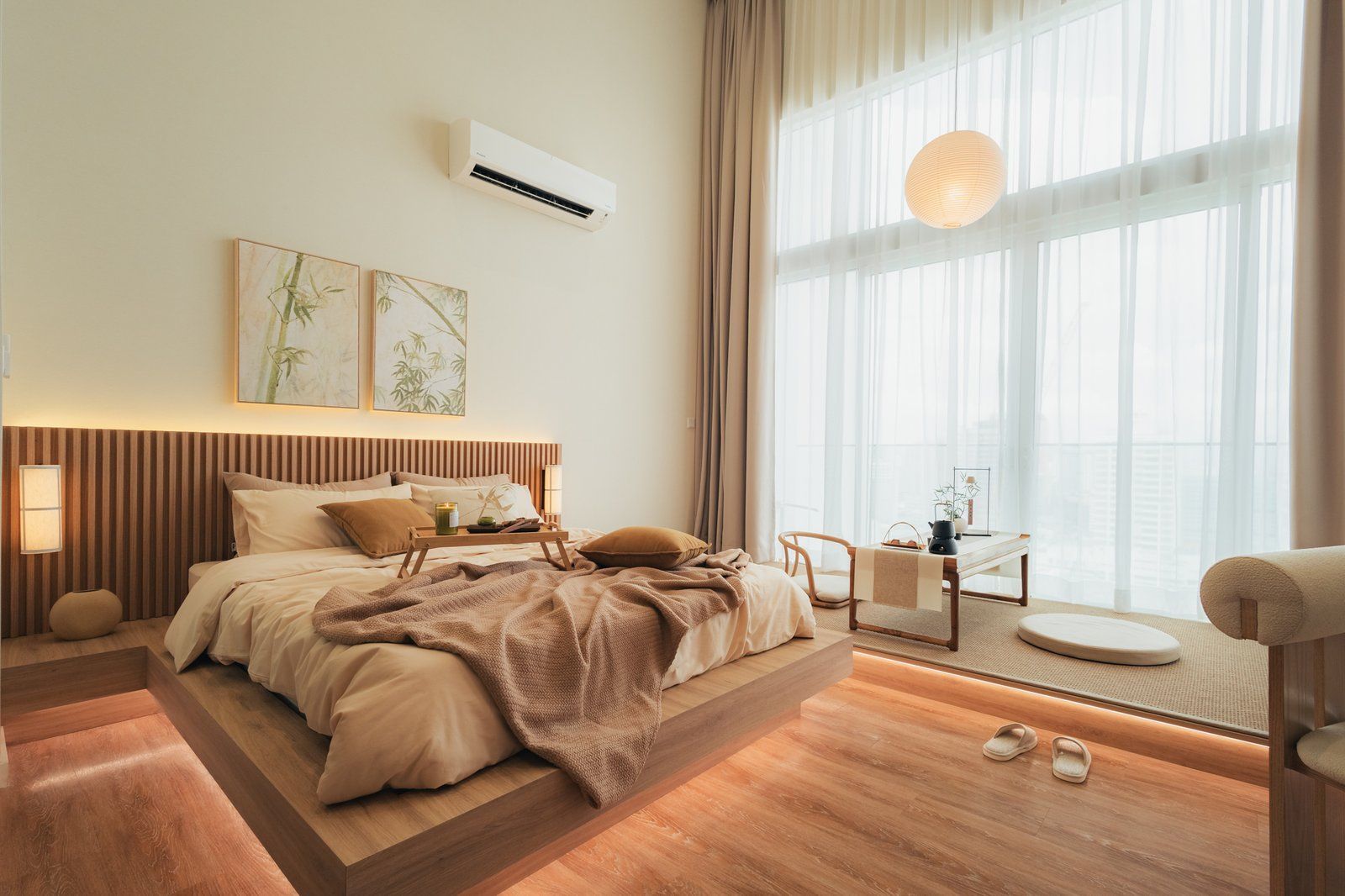
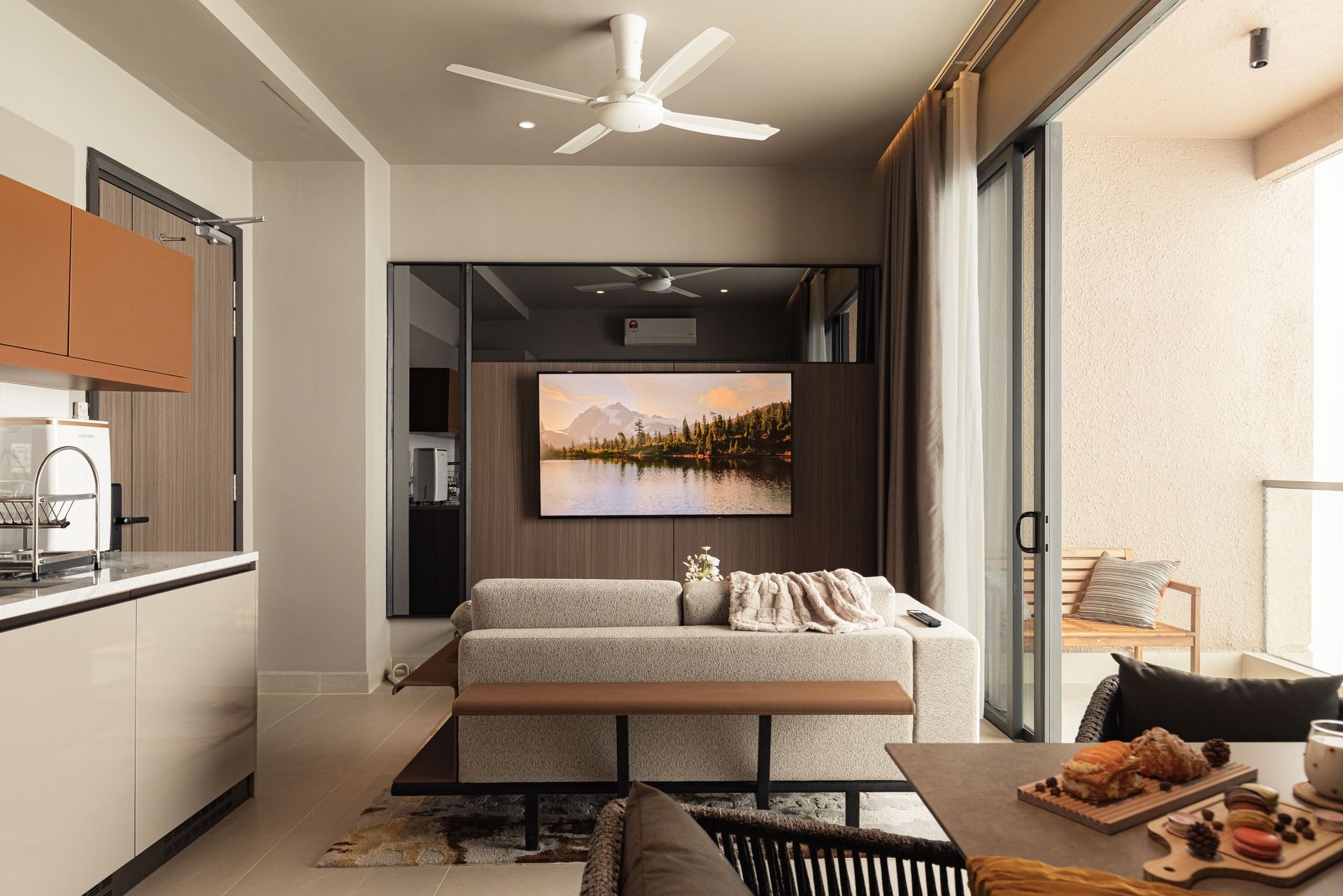
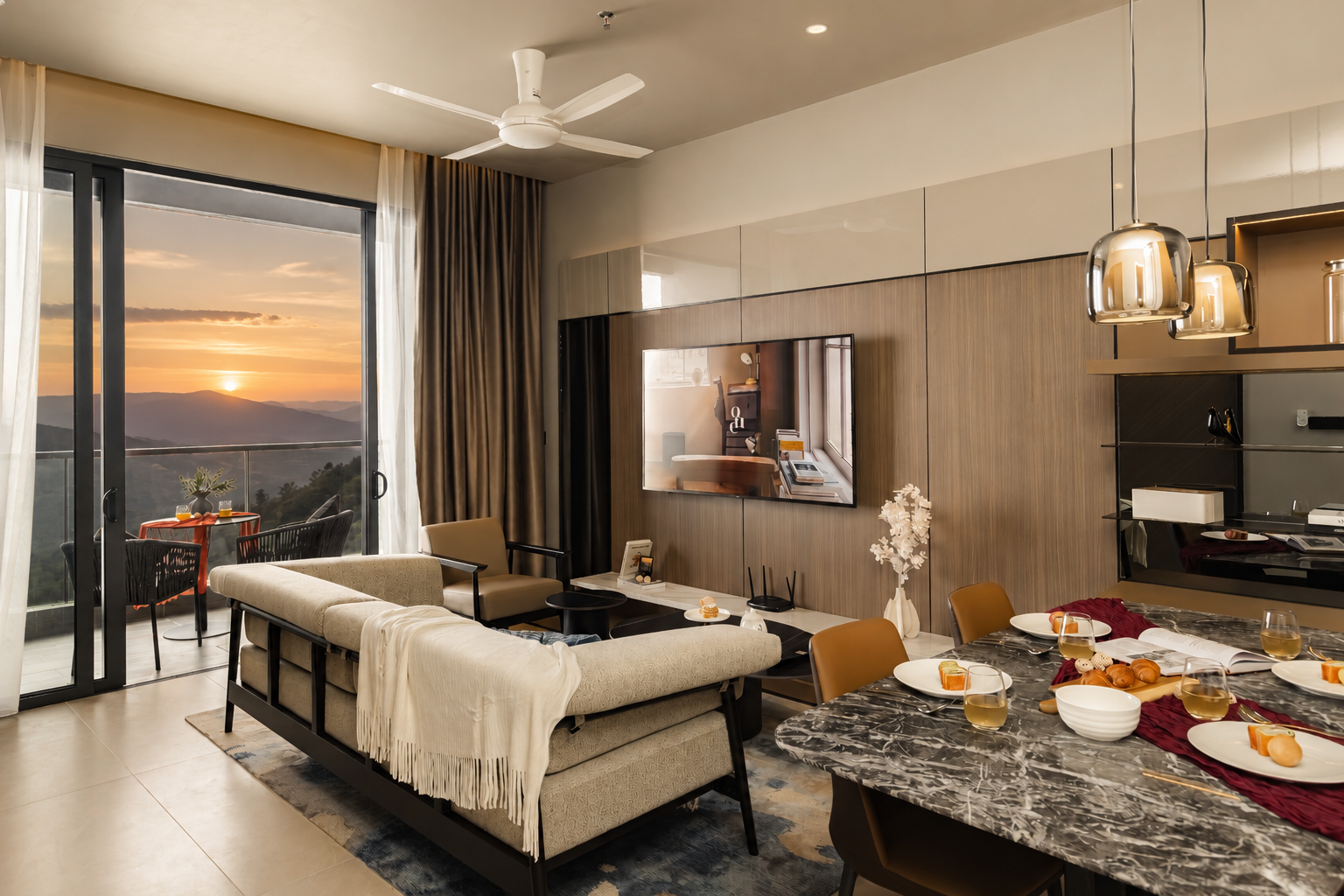
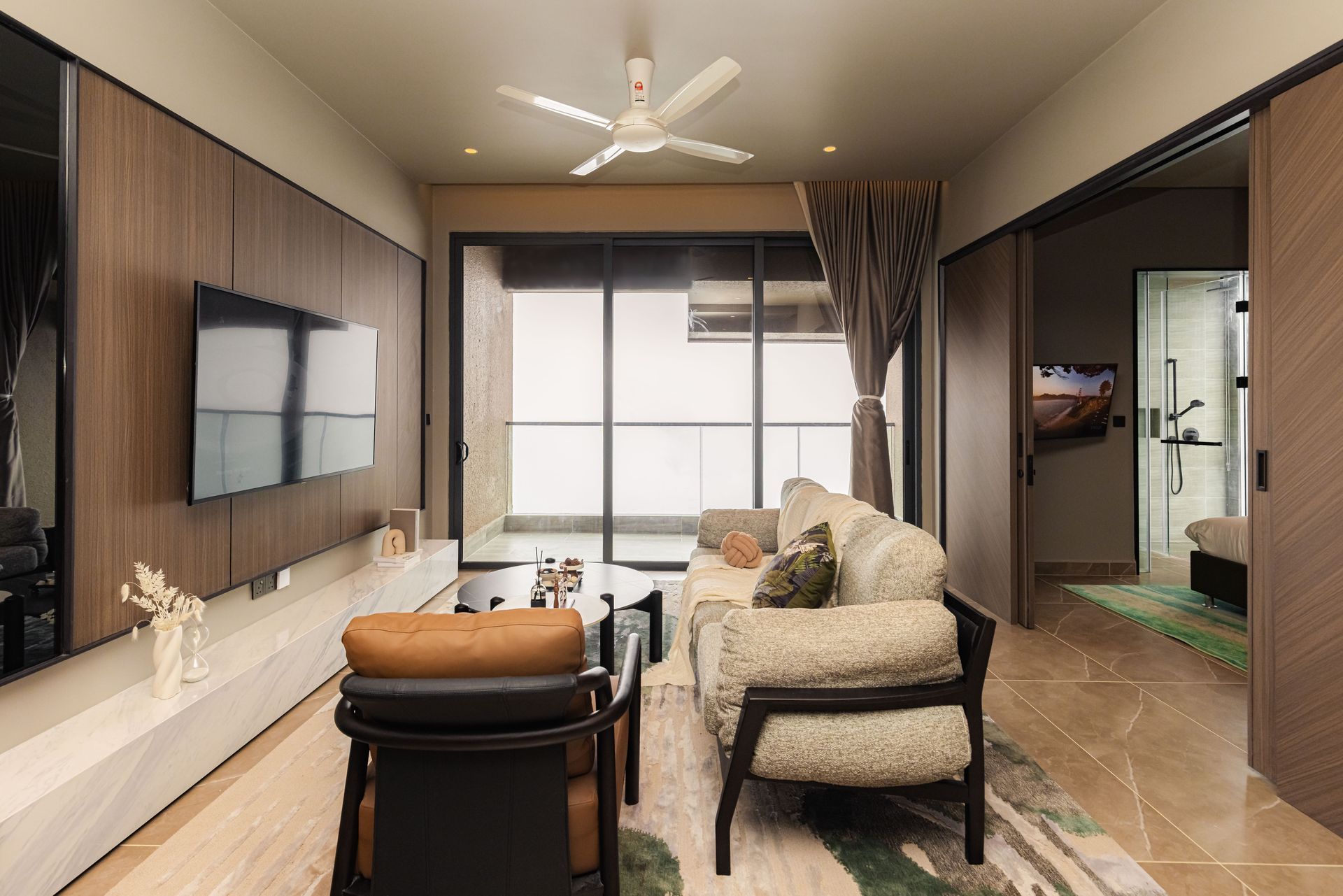
All units are fully furnished and come with everything you need for a comfortable stay.
Amenities:
- Full kitchen with cooking equipment — cook your own meals, do your steamboat, no need to eat out every meal
- Air conditioning, High-speed WiFi
- Hot water shower
- Living area with Netflix TV
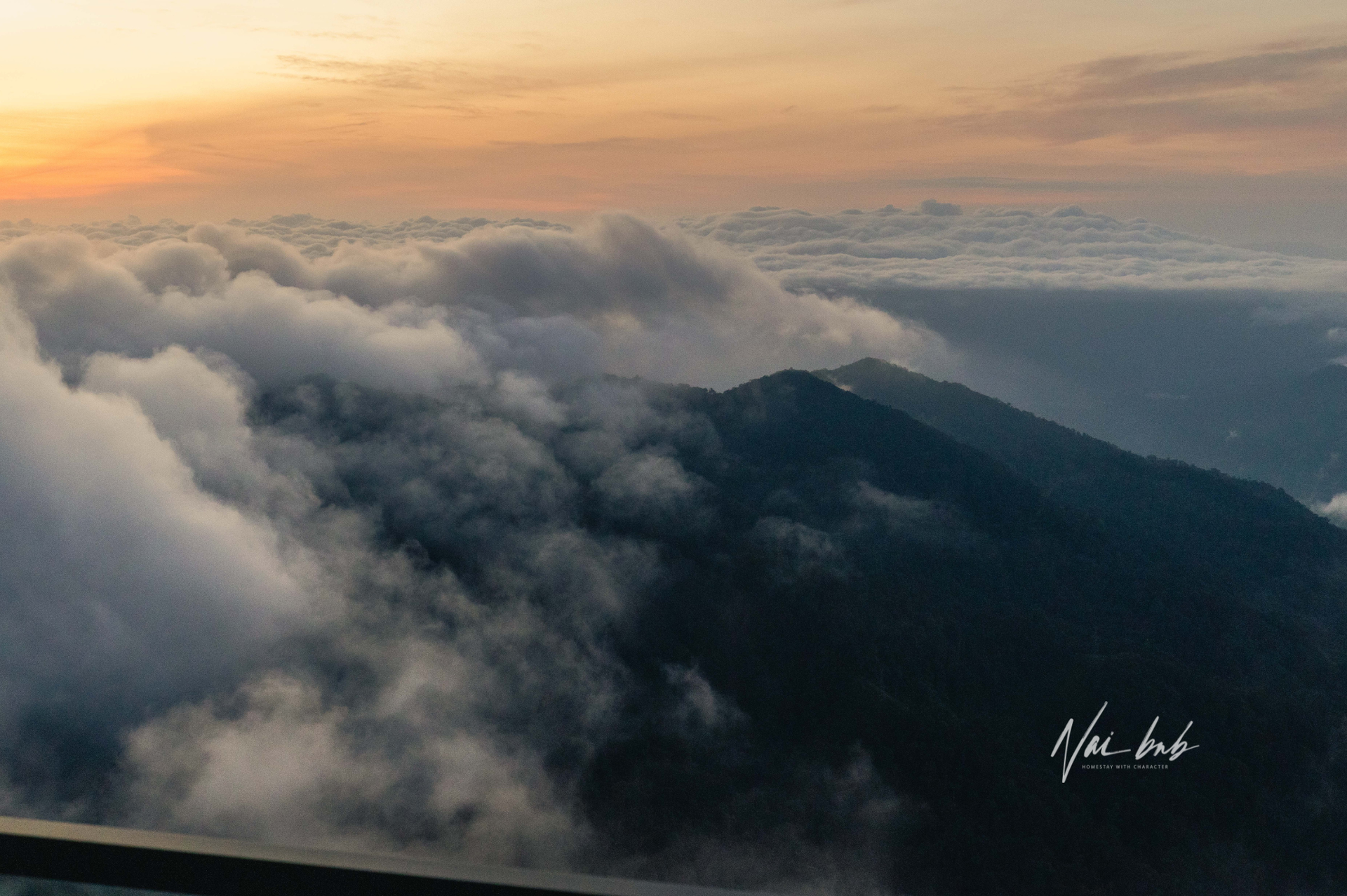
- Mountain View
- Direct access to Antara Mall via lift
More Inquiries
Call Us:
+6019-7949945
WhatsApp:
+6019-7949945
Email:
booking@naibnb.com
Official Website:
Naibnb
Instagram:
naibnb
TikTok:
naibnb
Xiao Hong Shu:
NaiBnB
Homestay Management Company Blog | NaiBnB